HOT
Aion ActiveAI Engine
🤖 Bot Systems

Aion ActiveAI Engine

New product
⬇ 6 downloads
HOT

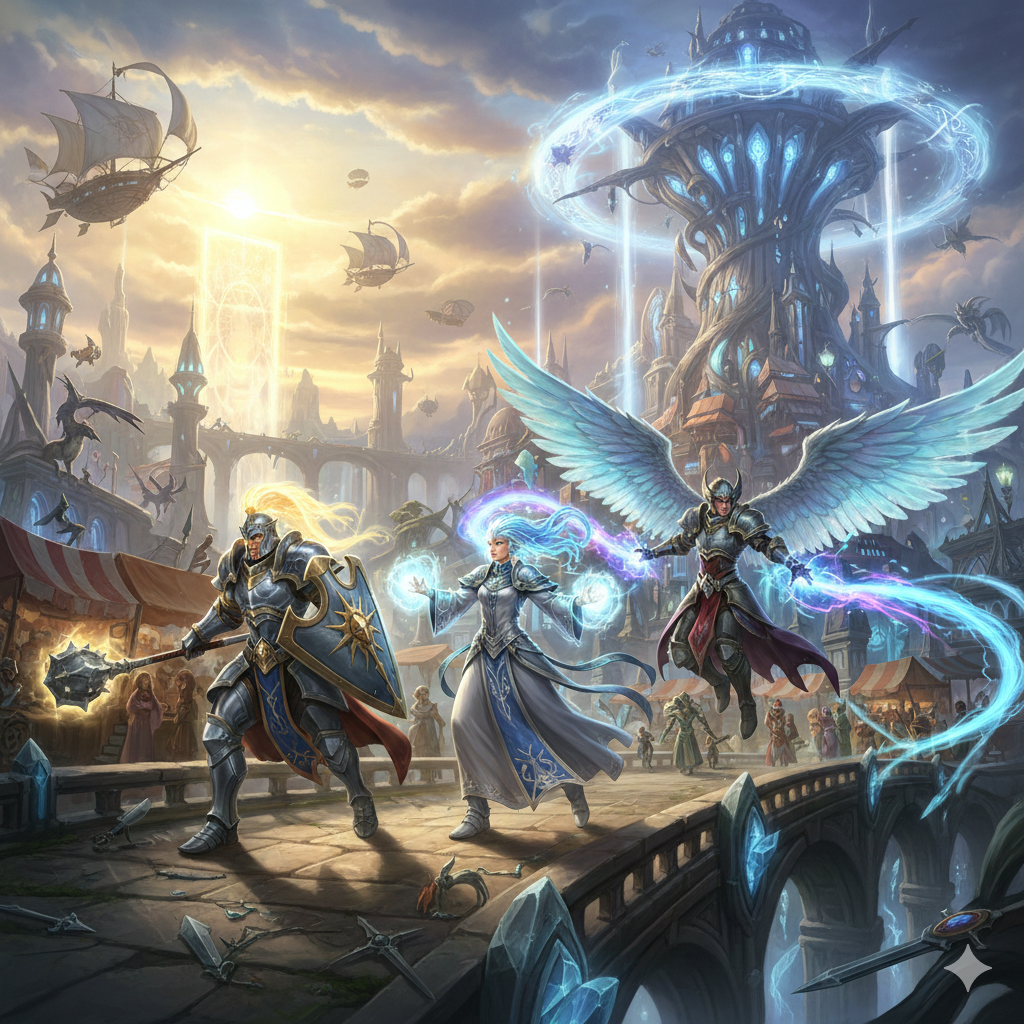
Turn your empty Aion server into a living, breathing world from day one. Aion ActiveAI Engine is an advanced Artificial Intelligence ecosystem that simulates real players—from smart LFG combat and dynamic group tactics to an active, player-driven economy. Solve the "dead server" problem forever and keep your players engaged!

FREE
Free download · Instant delivery · 3× download / 24h
Instant download link Support available: $100.00 Installation guide
🔍 Already purchased? Check your order
🔒 SSL· 🛡️ PayPal Protected· ⚡ Instant delivery
🎬

Video Preview

The biggest challenge for any private Aion server is the "Ghost Town Effect." Players log in, see an empty Sanctum or Pandaemonium, find nothing on the Broker, and log out before ever giving your server a real chance. Aion ActiveAI Engine is designed to change that completely.

This is not a simple, mindless grinding script. It is a complete AI ecosystem. Our AI Daevas have distinct class roles (Tank, Healer, DPS), communicate with real players via a smart LFG system, keep your economy thriving by buying and selling on the Broker, and engage in tactical group combat using advanced Threat Tables. Whether you want to populate Tiamaranta with epic 24/7 PvP battles or help solo players clear Beshmundir Temple without waiting hours for a group, this system is the ultimate tool for player retention..

Compatibility

AionemuAionLightning

What's Included

✓ Zip file with Installation guide and files
⚔️

Role-Based AI

Every class behaves authentically. Tanks hold aggro, Ranged DPS maintain distance (kiting), and Healers prioritize keeping the group alive over dealing damage.

🎯

Dynamic Threat System

Bots don't just attack the closest target. The system tracks incoming damage and healing (threat) to dynamically switch targets, acting exactly like real players.

🏃‍♂️

Combat Strafing

Bots move and strafe around their targets during combat, simulating the fluid movement of real PvP veterans.

💬

LFG Chat Scanner

Bots actively monitor the World/LFG chat. If a real player is looking for a specific class for an instance, an available AI will apply to join the group.

🚶‍♂️

Human-Like Follow Logic

Once accepted into a group, bots follow the leader in a dynamic formation (maintaining a 2 to 5-meter distance) to avoid clipping and robotic pathing.

🛡️

Anti-Stuck & Combat Reinforcement

If a bot gets stuck in instance textures or dies, it automatically teleports back to the leader fully healed, ensuring your players never lose their Healer mid-boss fight.

⚖️

Active Broker Interaction

These bots are warriors and merchants. The system automatically lists gathered materials and actively purchases items, maintaining a stable Kinah economy and simulating realistic supply and demand.

🤝

Auto-Grouping

Solo AI players in the open world automatically find each other and form balanced parties (up to 6 members) based on their race.

🔥

Focus Fire

When multiple AI members engage, they coordinate to focus-fire a single target down quickly, making them a genuine threat in PvP.

👑

Player-First Leadership

AI bots will never hijack the Party Leader status. Real players always remain in control of the group's movement and Loot Rules.

Premium Remodeling

Bots don't walk around in basic, mismatched armor. The system automatically applies randomized, high-tier cosmetic skins (e.g., Daevanion, Forgotten Siel, Beshmundir), making them visually indistinguishable from fully-geared veteran players.

🌟

First Impressions Matter

When new players see a populated town and an active LFG chat, they stay.

🎮

Solo-Player Friendly

Casual players who can't play during peak hours can still run dungeons using your AI LFG system.

💰

Boost Server Revenue

Higher player retention directly leads to a larger community and increased server donations. Aion ActiveAI Engine pays for itself by keeping your player base alive.

01

Database Setup: You must add the is_bot column to the players table in your database by executing the following SQL command: ALTER TABLE players ADD COLUMN is_bot TINYINT(1) NOT NULL DEFAULT 0;.

02

Create Bot Characters: Create player characters by logging into the game normally to level them, equip gear, and learn skills, as the bots will use the exact data stored in the database, and then mark these characters as bots using an SQL command like UPDATE players SET is_bot = 1 WHERE id IN (100, 101, 102);.

03

Copy New Files: Copy the new files into your source tree exactly as follows: new-files/bot/*.java to src/com/aionemu/gameserver/bot/, new-files/services/BotPlayerService.java to src/com/aionemu/gameserver/services/, new-files/dao/BotActiveSkillsDAO.java to src/com/aionemu/gameserver/dao/, new-files/navmesh/*.java to src/com/aionemu/gameserver/world/geo/, and optionally new-files/AIPlayerTestSpawn.java to src/com/aionemu/gameserver/.

04

Replace Modified Files: Replace the original server files with the provided ones in the modified-files/ folder at their respective locations: GameServer.java to com/aionemu/gameserver/, GeoDataConfig.java to com/aionemu/gameserver/configs/main/, GeoService.java to com/aionemu/gameserver/world/geo/, NpcMoveController.java to com/aionemu/gameserver/controllers/movement/, PlayerController.java to com/aionemu/gameserver/controllers/, Player.java & PlayerCommonData.java to com/aionemu/gameserver/model/gameobjects/player/, AttackUtil.java to com/aionemu/gameserver/controllers/attack/, Skill.java to com/aionemu/gameserver/skillengine/model/, StigmaService.java & FindGroupService.java to com/aionemu/gameserver/services/, PlayerEnterWorldService.java to com/aionemu/gameserver/services/player/, FindGroup.java to com/aionemu/gameserver/model/gameobjects/, and CM_FIND_GROUP.java to com/aionemu/gameserver/network/aion/clientpackets/.

05

Configuration: Add the NavMesh pathfinding configuration (gameserver.geo.nav.enable = true, gameserver.geo.nav.debug = false) and ensure standard GeoData is enabled (gameserver.geodata.enable = true, gameserver.geodata.cansee.enable = true) in your gameserver.properties file.

06

NavMesh Files (Optional): Place your .nav files (generated by ALGeoBuilder) into the data/geo/ directory to allow bots to use A* grid pathfinding to navigate around walls and trees, otherwise they will default to standard GeoService movement in a direct line with basic collision detection.

07

Build and Run: Compile your project and start the server, after which the bots will log in automatically and you can verify this by checking the server log for the [BotPlayerService] loading messages.

No reviews yet — be the first to leave one after your purchase.