New
Browse the in-game Broker directly from your website — search active listings, track item prices over time, and set alerts when prices drop.
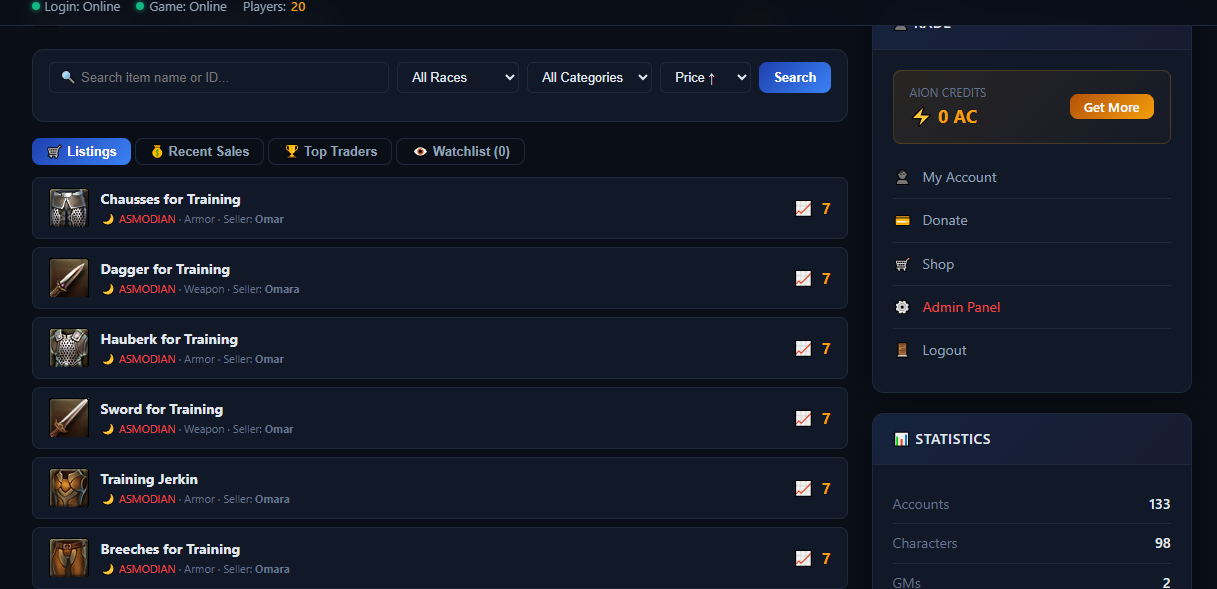
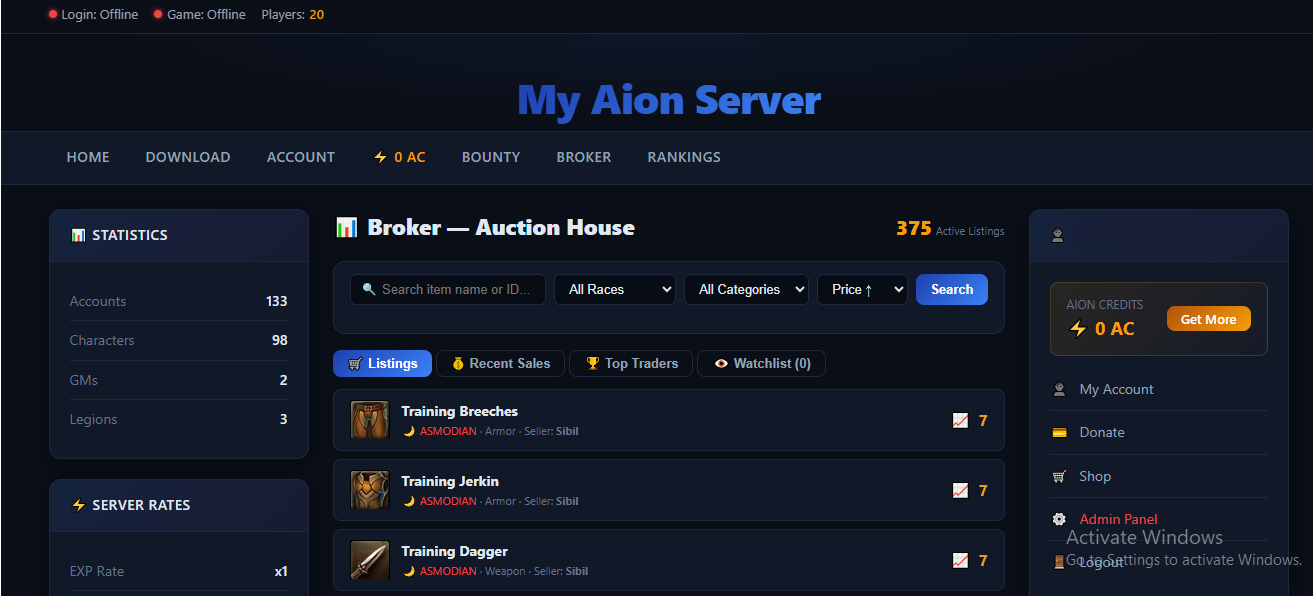
Broker Watch brings your server's Auction House to life on your website. Players can search and browse all active Broker listings in real time, filter by faction (Elyos/Asmodian), item category, and price range, and sort results by price, quantity, or newest listings.
Every item displays its name, icon, seller, and Kinah price — all pulled automatically from your game database with zero manual configuration required. Each item comes with a 30-day price history chart so players can spot trends and time their purchases.
Logged-in players can build a personal watchlist and receive alerts the moment a tracked item drops below their target price.
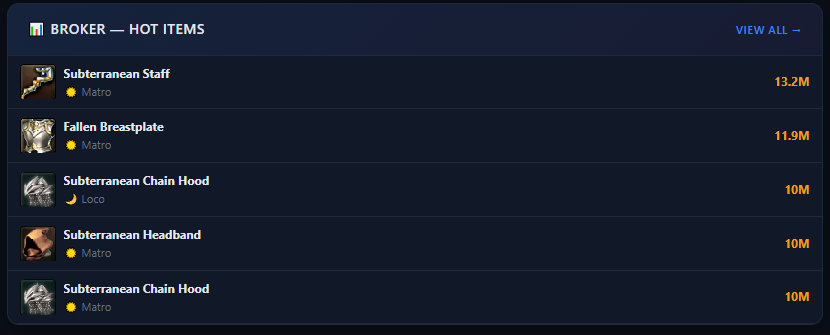
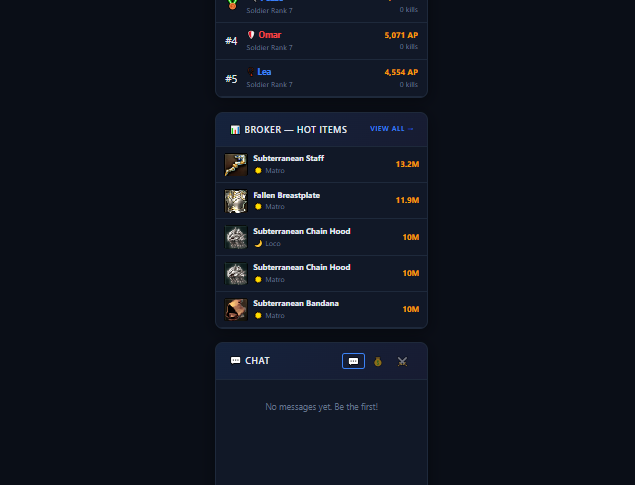
A sidebar widget keeps the top 5 most expensive active listings visible across your entire site, and a dedicated leaderboard showcases your server's top traders by total revenue. Item names and icons are loaded automatically from the bundled client data on installation — no imports, no extra steps.
Just install and it works..
browser synced with your live game database
loaded automatically from client data
, category, price range, and seller
chart for every item
with price drop alerts for logged-in players
leaderboard and Recent Sales feed
widget showing the most expensive active listings
via cron for history tracking
— installs and works out of the box
Complete payment and download via secure link.
Open the included README for full instructions.
Follow the steps in the guide for your platform.
Verify everything works. Open a ticket if you need help.